About this template
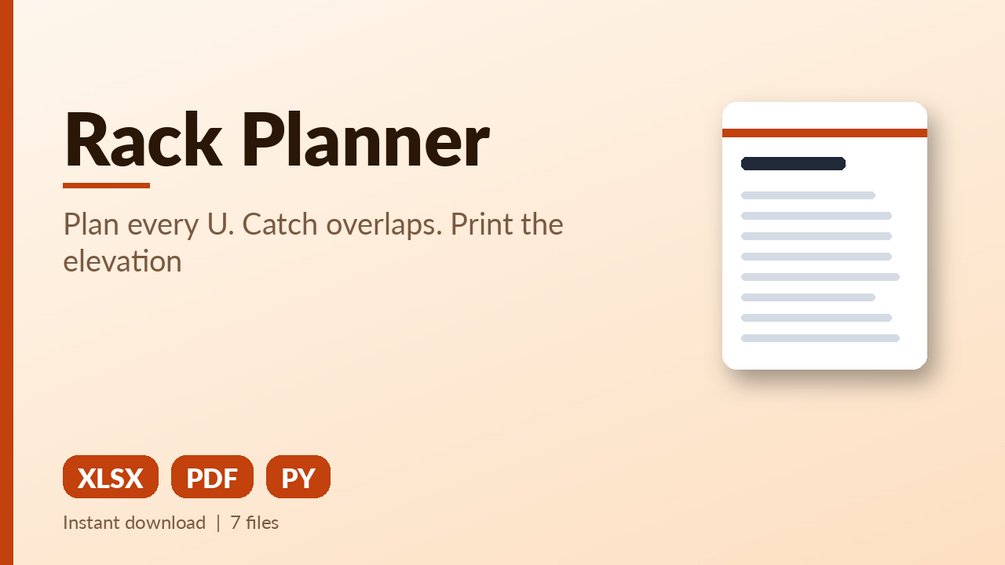
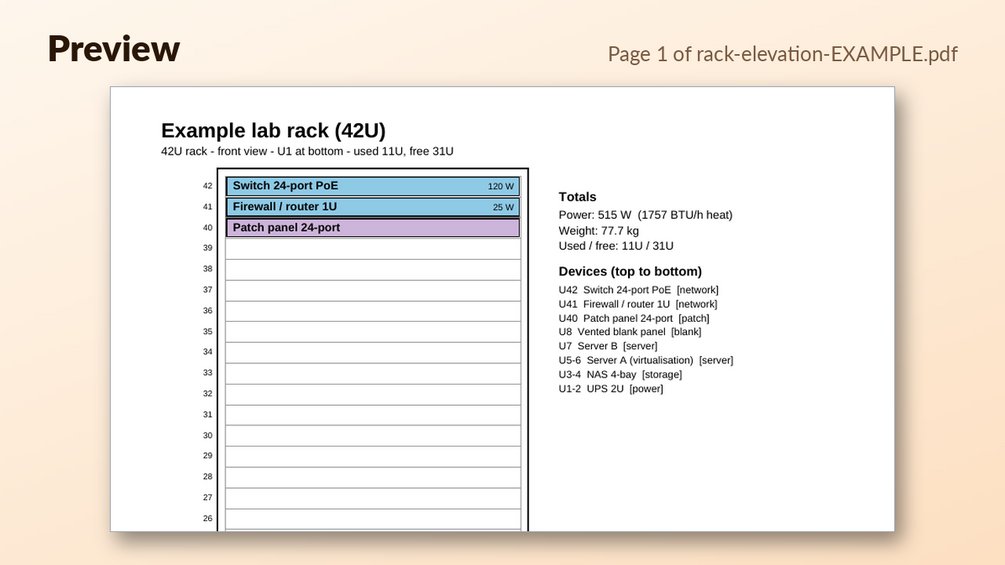
Plan every U, catch overlaps, total power, weight and heat, then print a colour rack elevation.
What you get: Excel planner (example + blank) with overlap/out-of-range detection, per-U elevation view, power, weight, depth and BTU/h totals; Python script that turns a CSV into a colour rack elevation PDF and exits with an error if devices collide; sample CSV and sample PDF; 10 built-in test examples.
Who it is for: Home-lab owners, small-office admins and students planning a 12U-48U rack.
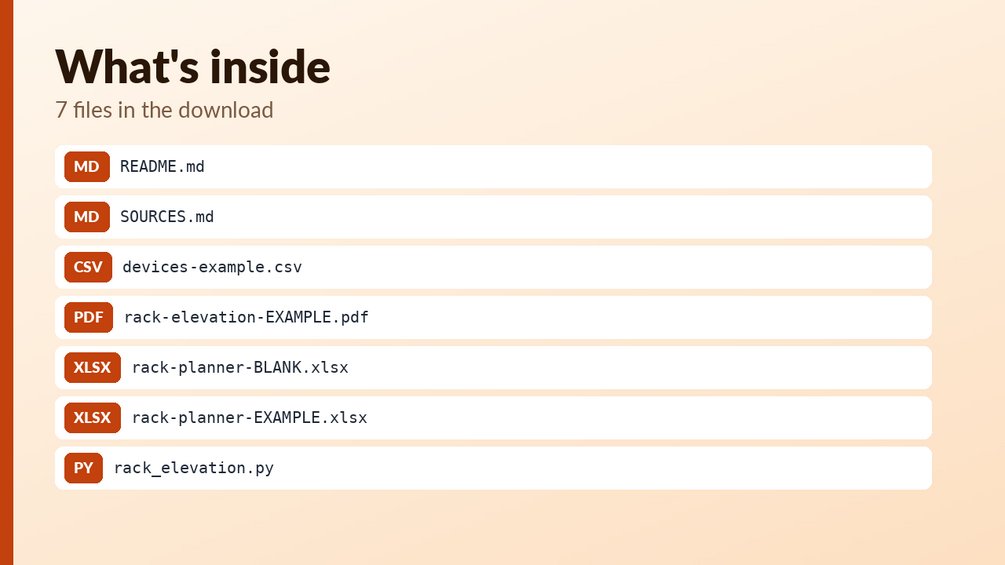
Files:
- `devices-example.csv`
- `rack-elevation-EXAMPLE.pdf`
- `rack-planner-BLANK.xlsx`
- `rack-planner-EXAMPLE.xlsx`
- `rack_elevation.py`
How to use: open the EXAMPLE file first to see every formula working (yellow cells = your inputs, blue-grey = formulas); then use the BLANK file for your own data. See Start_here sheet / included notes. Test examples are in the Tests sheet or `--selftest` where included.
What it is NOT: Not a CAD tool, not vendor hardware data (you enter your own heights, depths, weights), not a cooling design.
Questions
What file types do I get?
Two Excel files (.xlsx), one example and one blank, plus a Python script (rack_elevation.py), a sample CSV, a sample PDF, and README.md and SOURCES.md notes.
Can I edit the formulas?
Yes. The workbook has 226 formulas across 4 sheets. Yellow cells are your inputs and blue-grey cells are formulas, so you can see which is which.
How do I start, and does it replace an engineer?
Open rack-planner-EXAMPLE.xlsx first to see the formulas working, then enter your own devices in the BLANK file. It is a planning tool and does not replace an engineer or a cooling design, and the Python script exits with an error if devices collide.