About this template
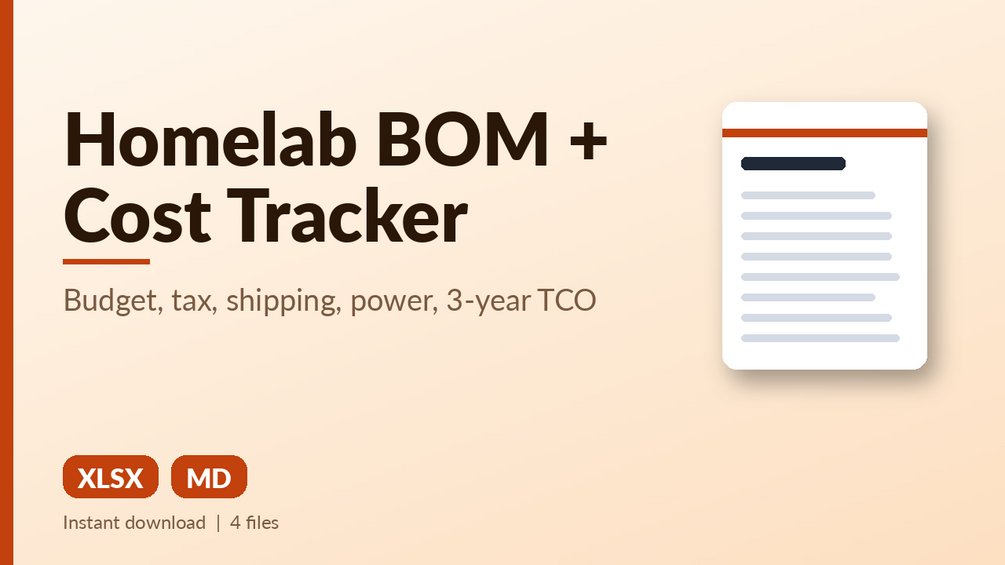
Track every purchase, tax and shipping, budget vs spend by category and status, and 3-year cost of ownership.
What you get: Excel tracker (example + blank): 200 purchase lines with dropdowns, line totals with tax and per-line shipping, budget remaining, spend by category and status (Planned/Ordered/Received/Returned), typo catcher, watts to yearly electricity, total cost of ownership; 12 built-in tests.
Who it is for: Homelabbers, builders and small offices who want to know what the lab really costs.
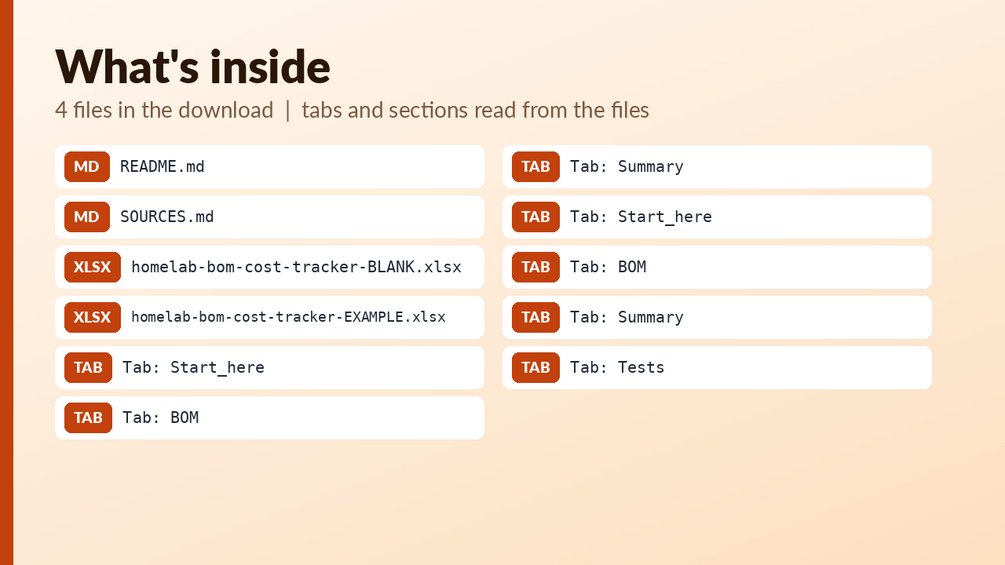
Files:
- `homelab-bom-cost-tracker-BLANK.xlsx`
- `homelab-bom-cost-tracker-EXAMPLE.xlsx`
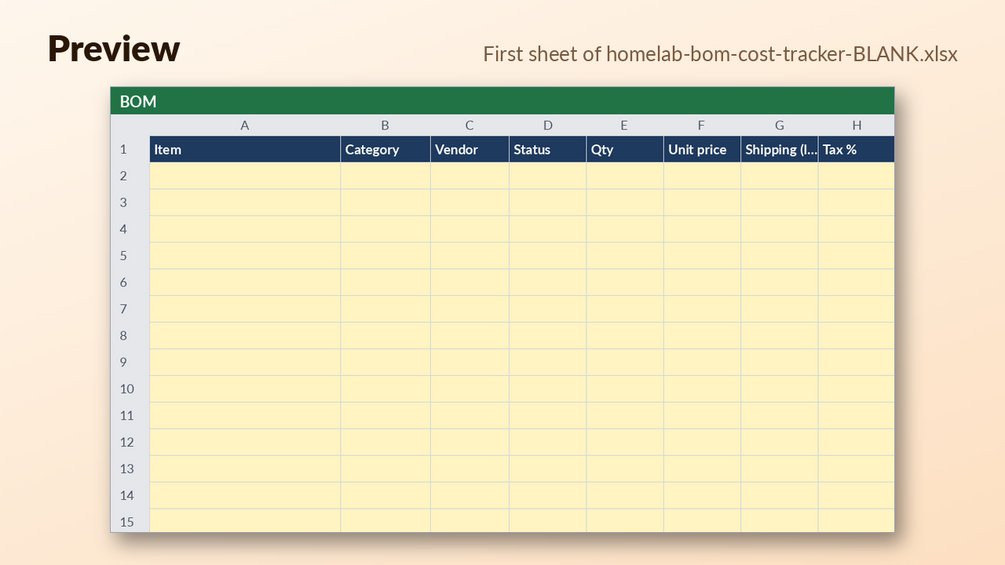
How to use: open the EXAMPLE file first to see every formula working (yellow cells = your inputs, blue-grey = formulas); then use the BLANK file for your own data. See Start_here sheet / included notes. Test examples are in the Tests sheet or `--selftest` where included.
What it is NOT: Not accounting software, no currency conversion, no price lookups. Example prices are invented.
Questions
What file types do I get?
You get two Excel (.xlsx) files: a BLANK tracker for your own data and an EXAMPLE tracker with sample data. A README.md and a SOURCES.md are included too.
Can I edit the formulas?
The workbook has 446 formulas across 3 sheets, and yellow cells are your inputs while blue-grey cells are formulas. The text does not say whether the formula cells are locked, so check the file before you edit them.
Does it replace an accountant, and how do I start?
No. It is a planning tool for tracking cost and is not tax or financial advice. To start, open the EXAMPLE file to see the formulas working, then fill in the BLANK file, and see the Start_here sheet for notes.