About this template
Blank and worked-example versions of the documents that save you at 2 a.m.
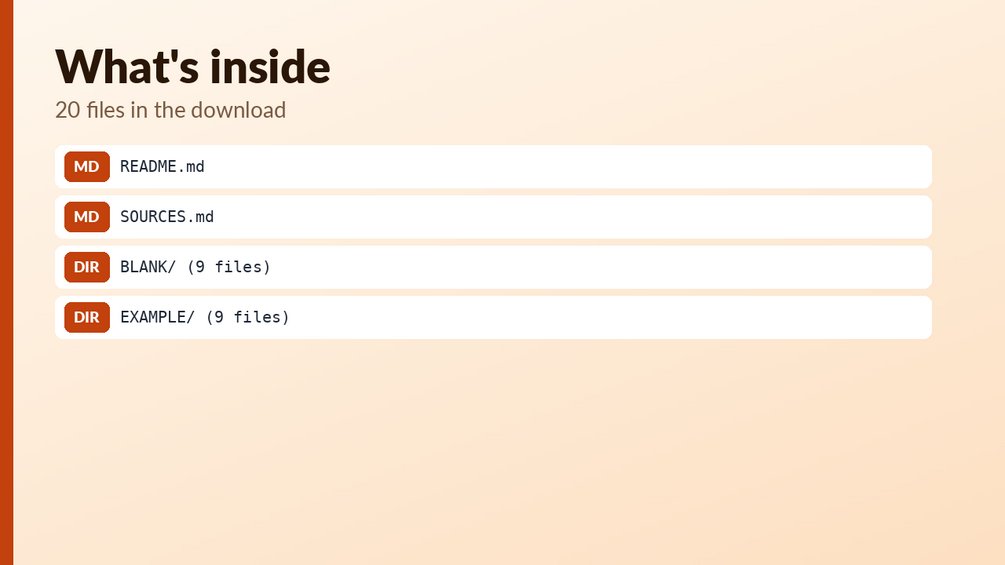
What you get: 9 documents, each as a BLANK and an EXAMPLE .docx (18 files): network overview, asset inventory, IP and VLAN plan, service catalog, runbook, change log, disaster recovery card, handover sheet, maintenance calendar. Landscape tables, fictitious example data.
Who it is for: Homelabbers, small-office admins and anyone who is the only person who understands their network.
Files:
- `BLANK/01-network-overview-BLANK.docx`
- `BLANK/02-asset-inventory-BLANK.docx`
- `BLANK/03-ip-and-vlan-plan-BLANK.docx`
- `BLANK/04-service-catalog-BLANK.docx`
- `BLANK/05-runbook-template-BLANK.docx`
- `BLANK/06-change-log-BLANK.docx`
- `BLANK/07-disaster-recovery-card-BLANK.docx`
- `BLANK/08-handover-sheet-BLANK.docx`
- `BLANK/09-maintenance-calendar-BLANK.docx`
- `EXAMPLE/01-network-overview-EXAMPLE.docx`
- `EXAMPLE/02-asset-inventory-EXAMPLE.docx`
- `EXAMPLE/03-ip-and-vlan-plan-EXAMPLE.docx`
- `EXAMPLE/04-service-catalog-EXAMPLE.docx`
- `EXAMPLE/05-runbook-template-EXAMPLE.docx`
- `EXAMPLE/06-change-log-EXAMPLE.docx`
- `EXAMPLE/07-disaster-recovery-card-EXAMPLE.docx`
- `EXAMPLE/08-handover-sheet-EXAMPLE.docx`
- `EXAMPLE/09-maintenance-calendar-EXAMPLE.docx`
How to use: open the EXAMPLE file first to see every formula working (yellow cells = your inputs, blue-grey = formulas); then use the BLANK file for your own data. See Start_here sheet / included notes. Test examples are in the Tests sheet or `--selftest` where included.
What it is NOT: Not auto-generated from your network; you fill them in. Not a place for passwords: the templates tell you to store only locations of secrets.
Questions
What file types are included?
Word (.docx) only. You get 9 documents, each as a BLANK and an EXAMPLE version, for 18 files in total.
Can I edit the documents?
Yes, they are .docx files you can edit in Word. The EXAMPLE versions use fictitious data so you can see how each document looks when filled in.
How do I start?
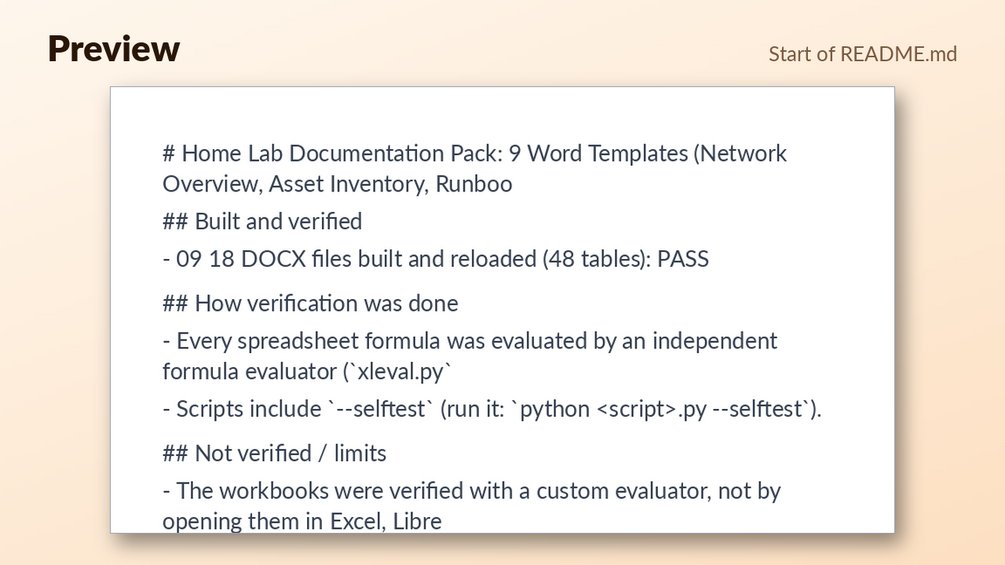
Open an EXAMPLE file first to see how it is filled in, then use the matching BLANK file for your own data. The pack also includes README.md and SOURCES.md files.