About this template
A bundle of 17 separate Excel sheets for owner-operators, hot-shot and box-truck drivers, and small fleets, covering cost per mile, loads, fuel, IFTA prep, per diem, and expenses.
What you get
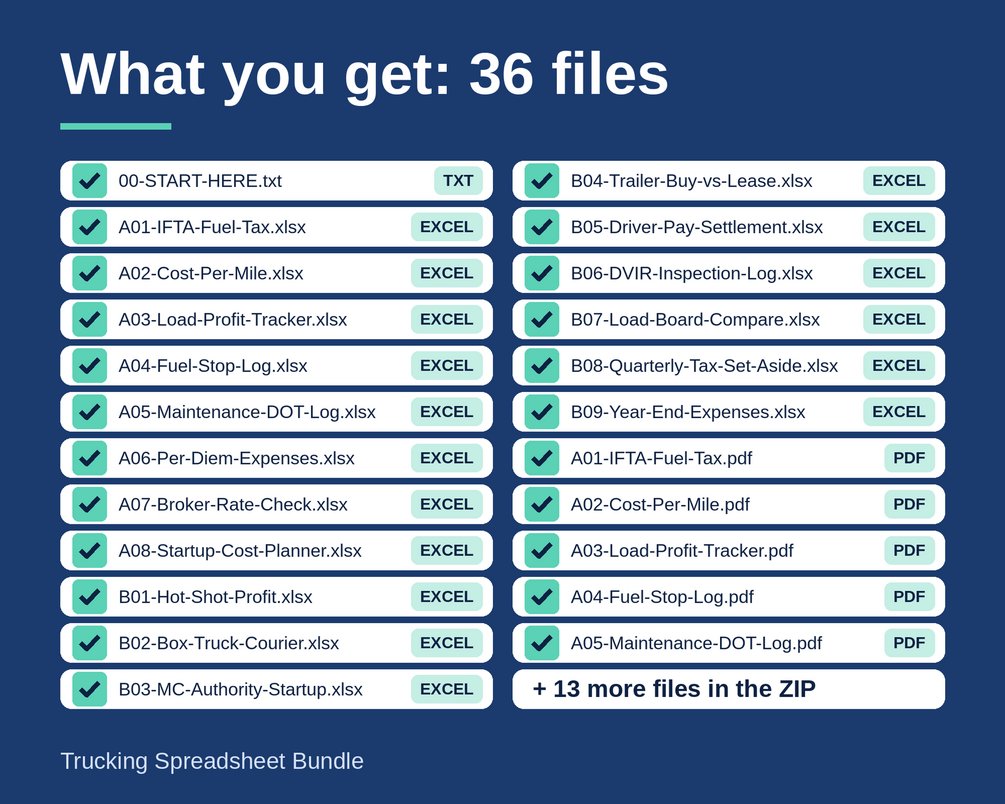
One ZIP download (Trucking-Spreadsheet-Bundle.zip) with 17 folders. Each folder holds an Excel workbook (.xlsx) and a one-page PDF guide:
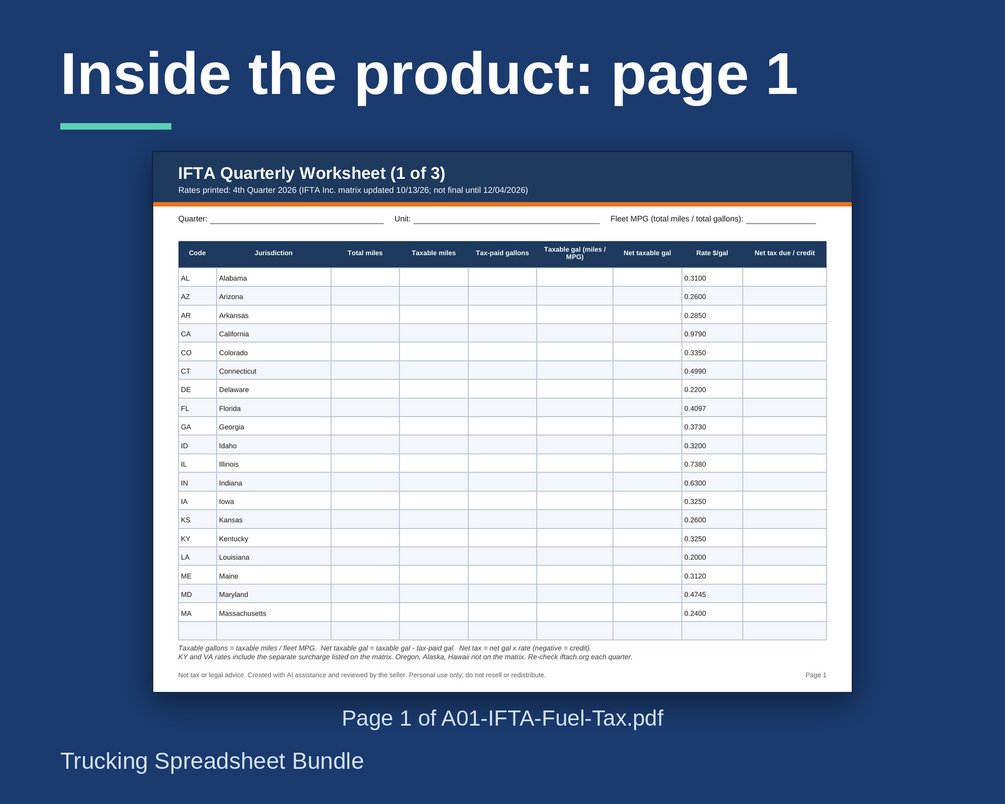
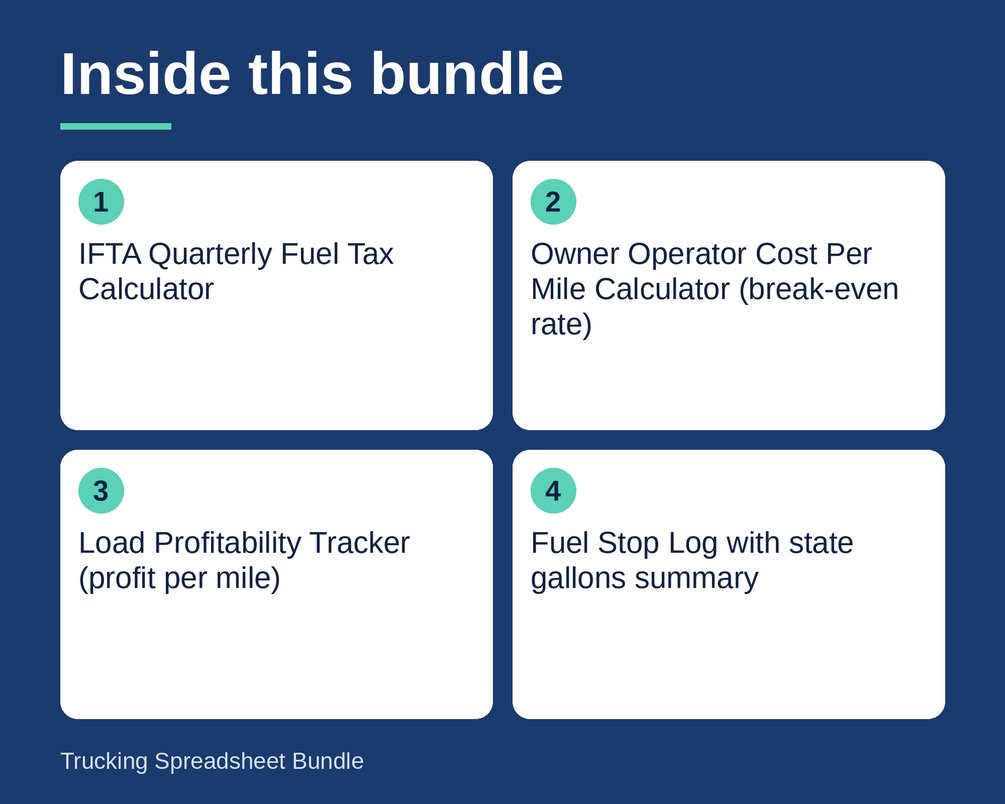
- IFTA Quarterly Fuel Tax Calculator
- Owner Operator Cost Per Mile Calculator (break-even rate)
- Load Profitability Tracker (profit per mile)
- Fuel Stop Log with state gallons summary
- Maintenance and DOT Inspection Log
- Annual Per Diem and Expense Summary
- Broker Rate Check Sheet (counter-offer helper)
- Owner Operator Startup Cost Planner
- Hot Shot Trucking Profit Planner
- Box Truck Courier Route and Income Tracker
- New Trucking Authority and MC Number Startup Checklist and Budget
- Trailer and Equipment Purchase vs Lease Calculator
- Driver Pay Settlement Sheet (per mile and percentage)
- DVIR Pre-Trip and Post-Trip Inspection Log (with an editable Word version)
- Load Board Comparison and Rate Per Mile Worksheet
- Quarterly Estimated Tax Set-Aside Tracker
- Year-End Trucking Expense Summary and Tax Prep Workbook
A START HERE text file is also included.
File types
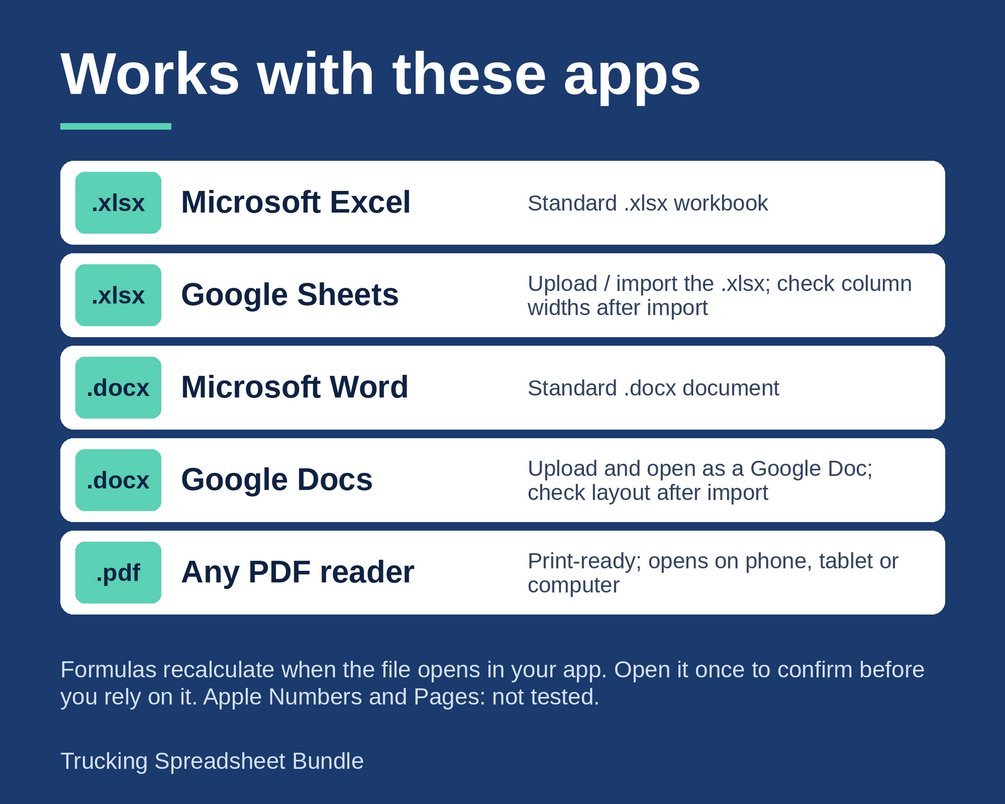
- Excel workbooks (.xlsx). Formulas use only common functions, so they also open in Google Sheets and LibreOffice, with minor formatting differences.
- A printable PDF quick-start guide for each sheet.
- One editable Word file (DVIR).
- The sheets are separate files, not one combined workbook, so you open only the one you need.
How to use
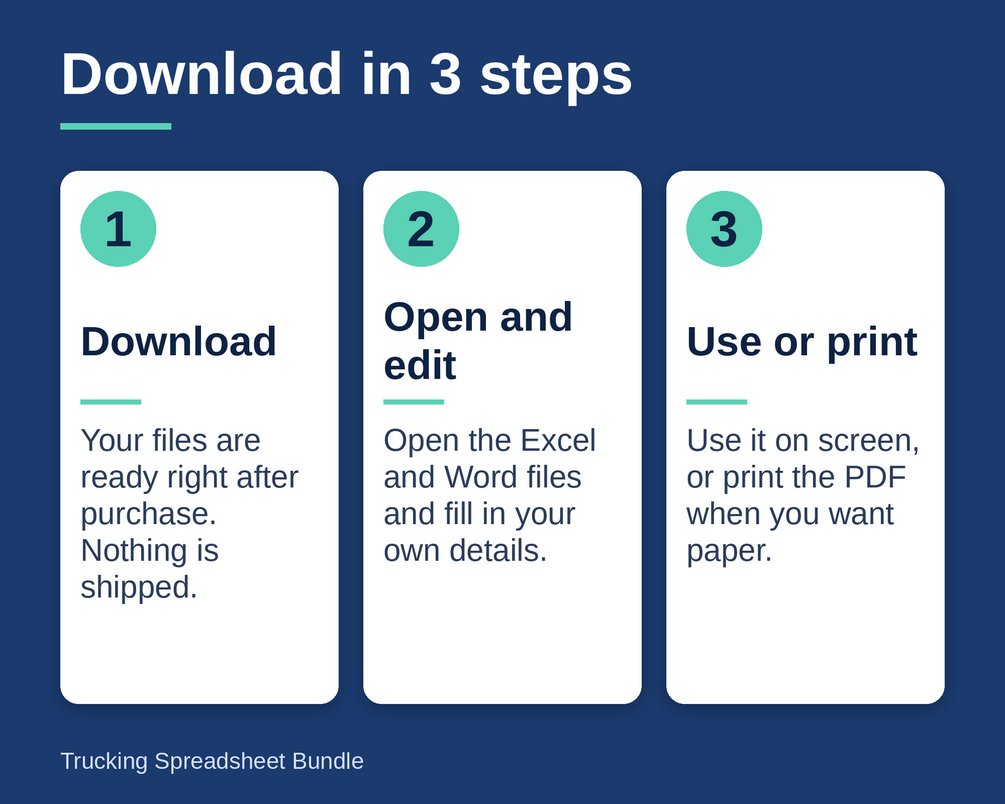
1. Download and unzip the file after purchase.
2. Open the folder for the sheet you need.
3. Type into the yellow cells.
4. The grey formula cells update by themselves.
5. Edit anything you like. Nothing is locked, and the example values are placeholders to replace with your own numbers.
Who it is for
- Owner-operators who want to know their cost per mile and break-even rate
- Hot-shot and box-truck drivers tracking loads, routes, and income
- Small fleets that need driver settlements and inspection logs
- New carriers planning a startup budget, authority steps, or a trailer purchase
One purchase, no subscription. Instant download: you receive the files right after purchase. Nothing is shipped.
What it is NOT
- Not tax, legal, filing, or financial advice.
- Not accounting software. These sheets do not file your IFTA return or your taxes.
- IFTA tax rates, per diem amounts, mileage rates, and tax rules change and differ by state. You enter and confirm the current figures from the official source each period.
- A set of templates to adapt to your own situation. Check the official source or a qualified professional for rates, rules, and due dates.
Created with AI assistance and checked with automated tests.
Questions
What file types do I get?
One ZIP download with 17 folders. Each folder holds an Excel workbook (.xlsx) and a one-page PDF guide. The DVIR log also comes with an editable Word file. The formulas use common functions, so they also open in Google Sheets and LibreOffice, with minor formatting differences.
Can I edit the formulas?
Yes. Nothing is locked, so you can change anything. Type into the yellow cells and the grey formula cells update by themselves. The example values are placeholders to replace with your own numbers.
Does this replace an accountant or help with taxes?
No. The tax and IFTA sheets are planning tools, not tax, legal, filing, or financial advice. Rates and rules change and differ by state, so check the official source or a qualified professional for rates, rules, and due dates.
How do I get started?
Download and unzip the file after purchase, then open the folder for the sheet you need. A START HERE text file is included, and each sheet has a one-page PDF quick-start guide.