About this template
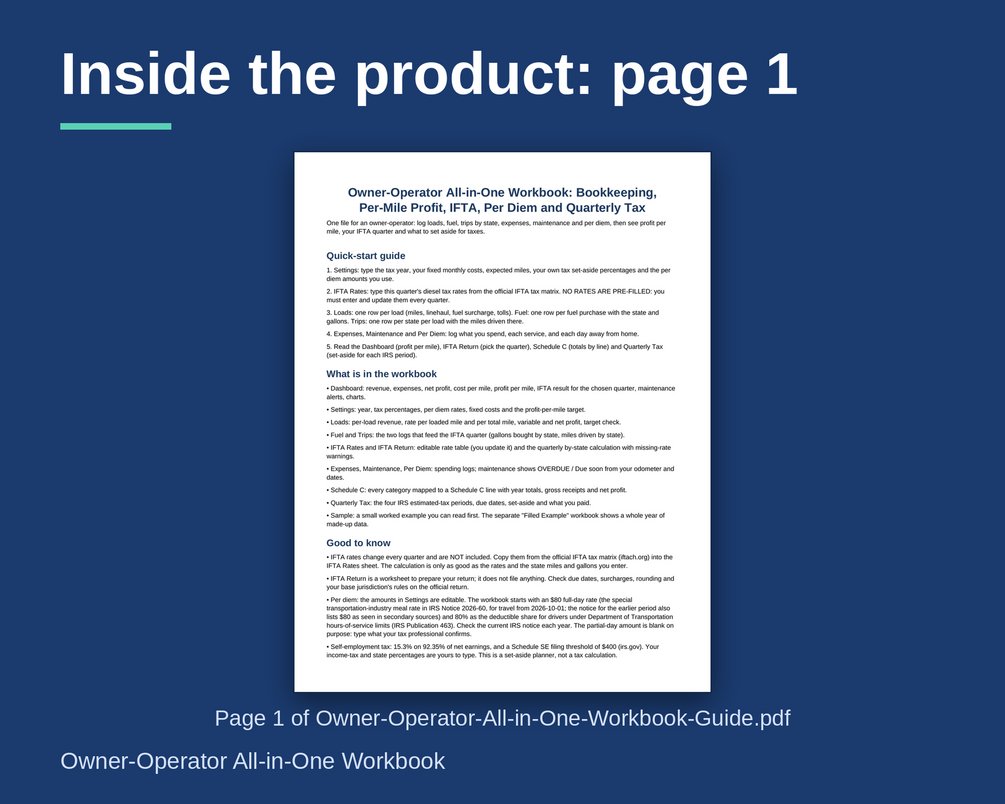
An all-in-one Excel bookkeeping workbook for owner-operators who run their own authority. Log loads, fuel, miles by state, expenses, maintenance and per diem days. It shows profit per mile, an IFTA quarter worksheet, Schedule C totals and an estimated-tax set-aside. One purchase, no subscription.
What you get
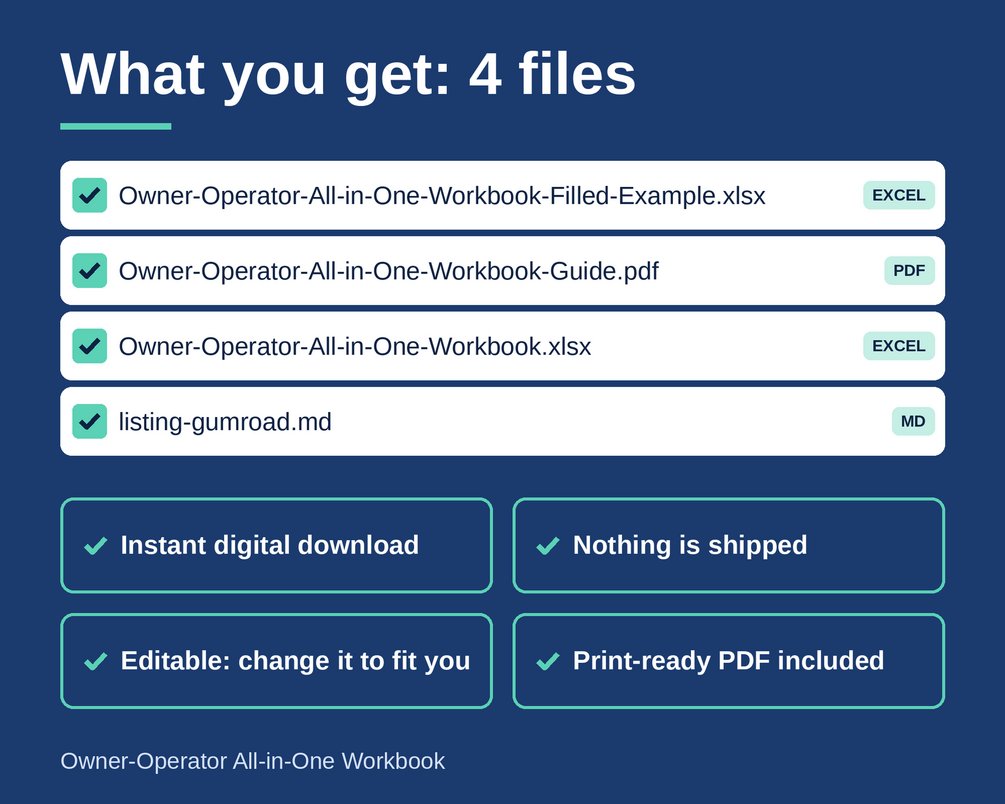
- Owner-Operator-All-in-One-Workbook.xlsx (Excel): the blank workbook, ready for your own numbers.
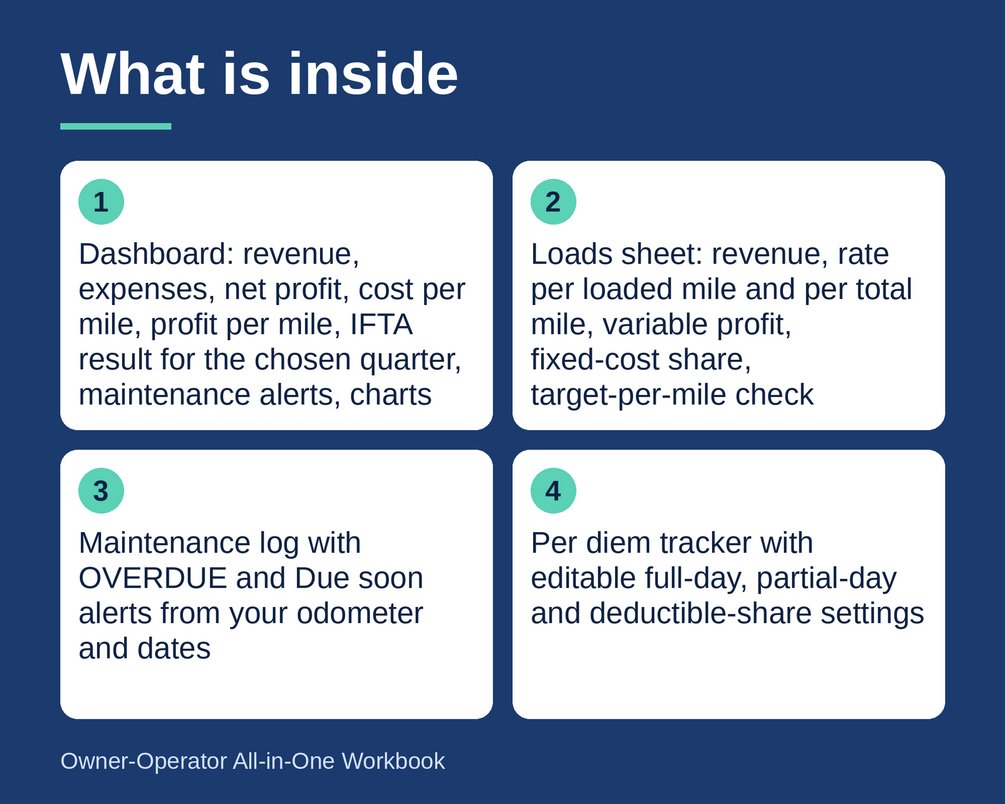
- Dashboard: revenue, expenses, net profit, cost per mile, profit per mile, IFTA result for the quarter you choose, maintenance alerts and charts.
- Loads sheet: revenue, rate per loaded mile and per total mile, variable profit, fixed-cost share and a target-per-mile check.
- Fuel and Trips logs that feed an IFTA quarterly worksheet for 57 jurisdictions, with missing-rate warnings. The rate table is yours to update each quarter. No rates are pre-filled.
- Maintenance log with OVERDUE and Due soon alerts based on your odometer and dates.
- Per diem tracker with editable full-day, partial-day and deductible-share settings.
- Schedule C map: every expense category tied to a Schedule C line, with year totals, gross receipts and net profit.
- Quarterly estimated-tax set-aside for the four IRS periods, with due dates.
- Start Here sheet and a worked Sample tab.
- Owner-Operator-All-in-One-Workbook-Filled-Example.xlsx (Excel): a fully filled-in example so you can see how everything connects.
- Owner-Operator-All-in-One-Workbook-Guide.pdf (PDF): a printable quick-start guide with a blank paper log.
File types
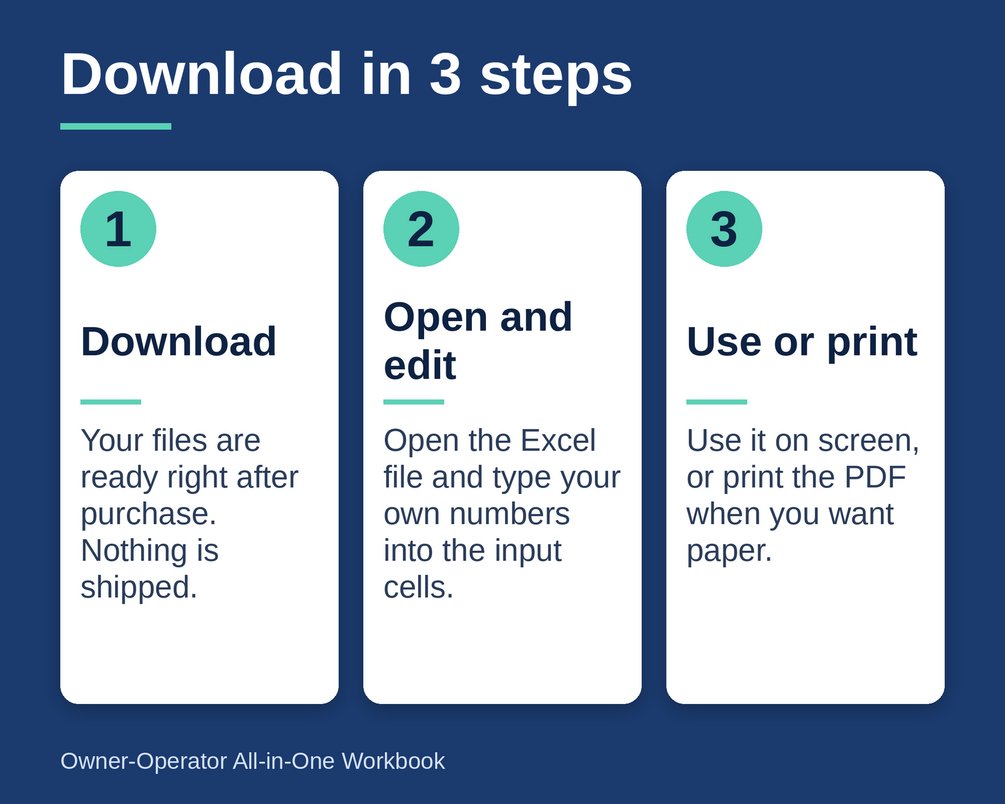
Excel workbooks (.xlsx) and one PDF. The formulas use only common functions, so the files also open in Google Sheets and LibreOffice, with minor formatting differences. Nothing is locked, so you can edit anything. Instant download after purchase. Nothing is shipped.
How to use
1. Open the workbook and read the Start Here sheet.
2. Enter your IFTA rates, per diem amounts and tax settings for the current period.
3. Type into the yellow cells: loads, fuel, trips, expenses, maintenance and per diem days.
4. The grey formula cells and the Dashboard update by themselves.
5. Look at the Sample tab or the filled example workbook any time you want to check how an entry should look.
Who it is for
Owner-operators, hot-shot drivers and box-truck drivers who run their own authority. It suits anyone who wants a simple spreadsheet for tracking costs per mile, fuel by state and expense categories, without paying for a monthly subscription.
What it is NOT
- Not tax, legal, filing or financial advice. It does not file your IFTA return or your taxes.
- Not accounting software. It is a bookkeeping and worksheet tool.
- IFTA rates, per diem amounts, Schedule C line numbers and due dates change over time and differ by state. Confirm them with the official source or a qualified professional.
- Not one-size-fits-all. Adapt it to your own situation.
- No income or savings are promised. Your results depend on your own data.
Created with AI assistance and checked with automated tests.
Questions
What file types do I get?
You get two Excel workbooks (.xlsx), one blank and one fully filled-in example, plus a PDF quick-start guide with a blank paper log. The formulas use common functions, so the files also open in Google Sheets and LibreOffice, with minor formatting differences.
Can I edit the formulas?
Yes. Nothing is locked, so you can edit anything. You type into the yellow cells, and the grey formula cells and the Dashboard update by themselves.
Does it replace an accountant or do my IFTA filing?
No. It is a planning and bookkeeping tool, not tax, legal or financial advice, and it does not file your IFTA return or your taxes. Confirm rates, per diem amounts, Schedule C line numbers and due dates with the official source or a qualified professional.
How do I start?
Open the workbook and read the Start Here sheet, then enter your IFTA rates, per diem amounts and tax settings. After that, type your loads, fuel, trips, expenses, maintenance and per diem days into the yellow cells. The Sample tab and the filled example workbook show how entries should look.