About this template
A simple spreadsheet and printable PDF that helps self-employed drivers keep tax money set aside and see whether each quarterly payment is covered.
Owner-operators have no withholding, so it is easy to lose track of how much to put away and whether a quarterly payment is covered. This tracker keeps those numbers in one place: log each deposit, record each payment, and check every quarter at a glance.
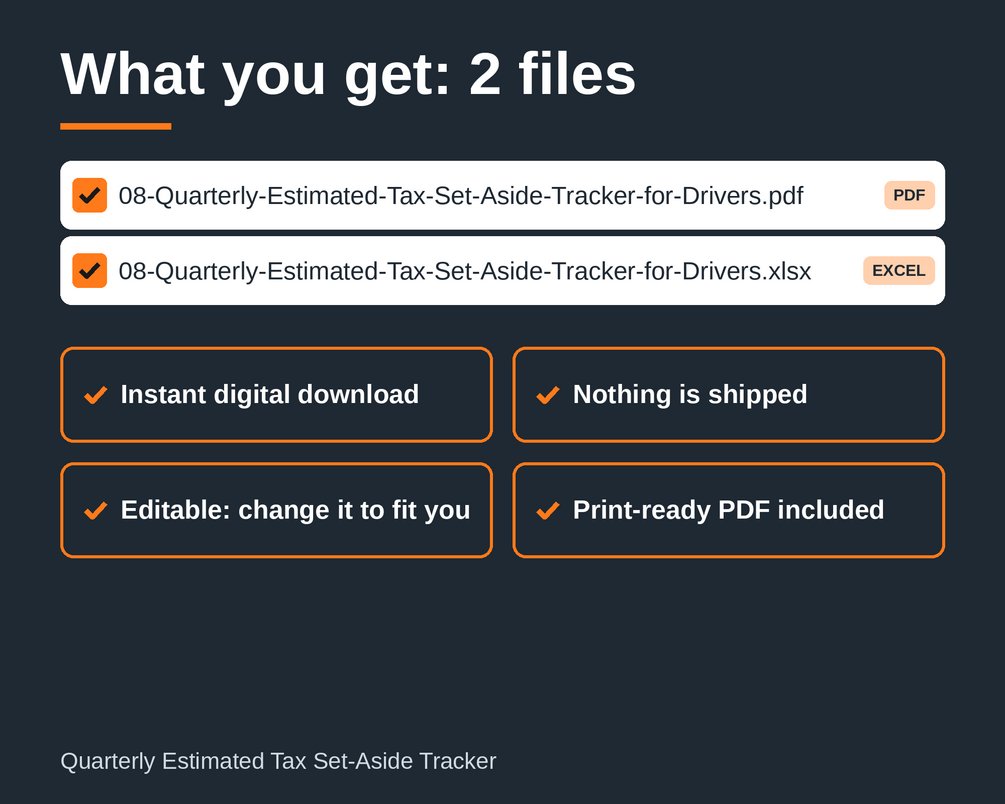
What you get
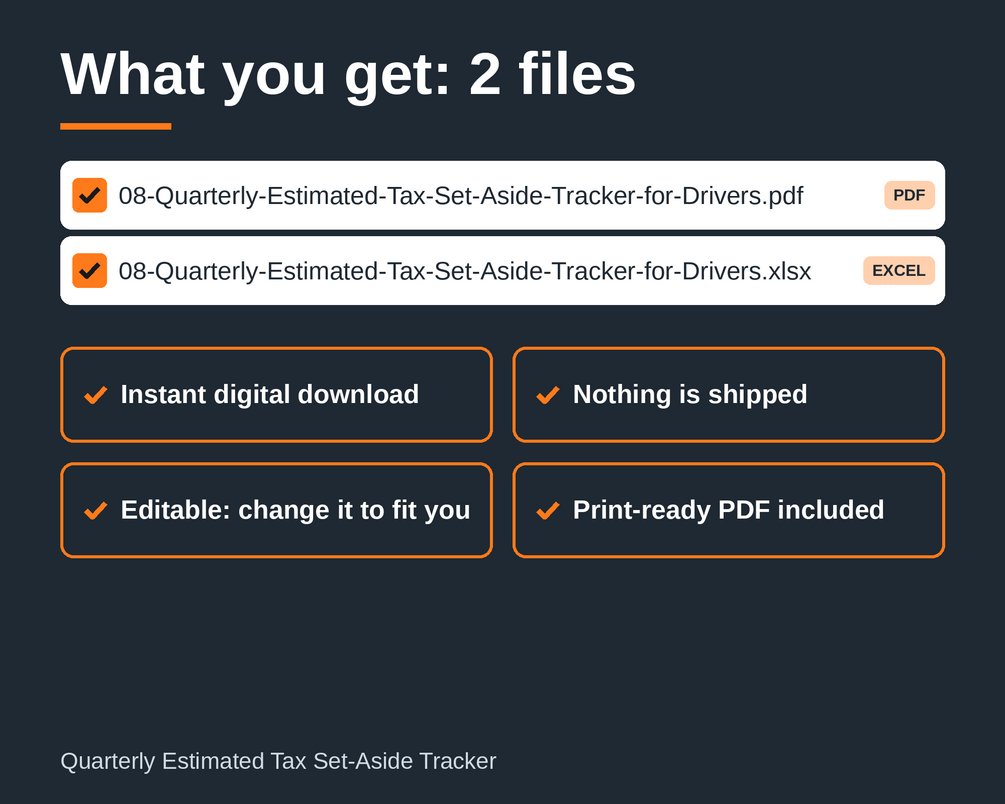
- 08-Quarterly-Estimated-Tax-Set-Aside-Tracker-for-Drivers.xlsx (Excel workbook) with four tabs: Setup (including a safe-harbor target), Income log, Payments log, and Quarters check.
- 08-Quarterly-Estimated-Tax-Set-Aside-Tracker-for-Drivers.pdf (print-ready PDF) for working on paper.
This is an instant digital download. Nothing is mailed, and the download links appear after purchase.
File types
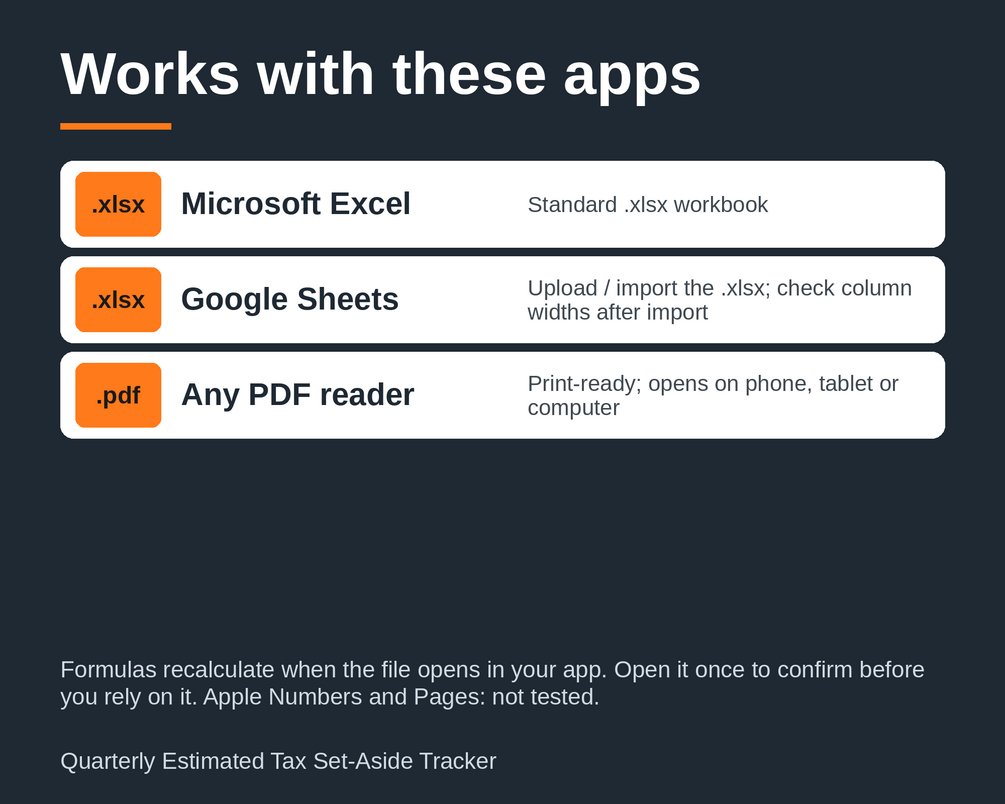
- .xlsx: works in Excel 2013 or newer, and in other spreadsheet apps that open .xlsx files, such as Google Sheets and LibreOffice.
- .pdf: prints on US Letter paper.
How to use
1. Open the Setup tab and enter your set-aside percentage. Ask your tax preparer for the right figure, because the 25% in the example is only a placeholder.
2. Log each deposit you move into your tax set-aside in the Income log.
3. Record each estimated payment you make in the Payments log.
4. Type in your due dates, taking them from irs.gov.
5. Open the Quarters check tab to see whether each quarter's payment is covered by what you have set aside.
Who it is for
- Owner-operators and self-employed truck drivers who do not have taxes withheld
- Anyone who wants a plain, no-frills way to track tax set-asides by quarter
- People who like to work in a spreadsheet but also want a printed copy
What it is NOT
- It is not tax, legal, or financial advice. Check rules and rates with the official source or a qualified professional.
- It is not accounting software. It is a simple tracking template.
- Every number shown in the example is a placeholder, not a market rate, tax rate, or legal requirement.
- It is not a one-size-fits-all solution. Adapt it to your own situation, and confirm your set-aside percentage and due dates before relying on it.
- It is a digital file only. No physical item is shipped.
Created with AI assistance and checked with automated tests.
Questions
What file types do I get?
You get an Excel workbook (.xlsx) and a print-ready PDF that prints on US Letter paper. The .xlsx works in Excel 2013 or newer, and in other apps that open .xlsx files, such as Google Sheets and LibreOffice.
Does it replace a tax preparer or give tax advice?
No. It is a planning and tracking tool, not tax, legal, or financial advice. The 25% in the example is only a placeholder, so ask your tax preparer for the right set-aside percentage and take due dates from irs.gov.
How do I get started?
Open the Setup tab and enter your set-aside percentage, then log each deposit in the Income log and each estimated payment in the Payments log. Type in your due dates, then open the Quarters check tab to see whether each quarter's payment is covered by what you have set aside.