About this template
WHAT IS INCLUDED
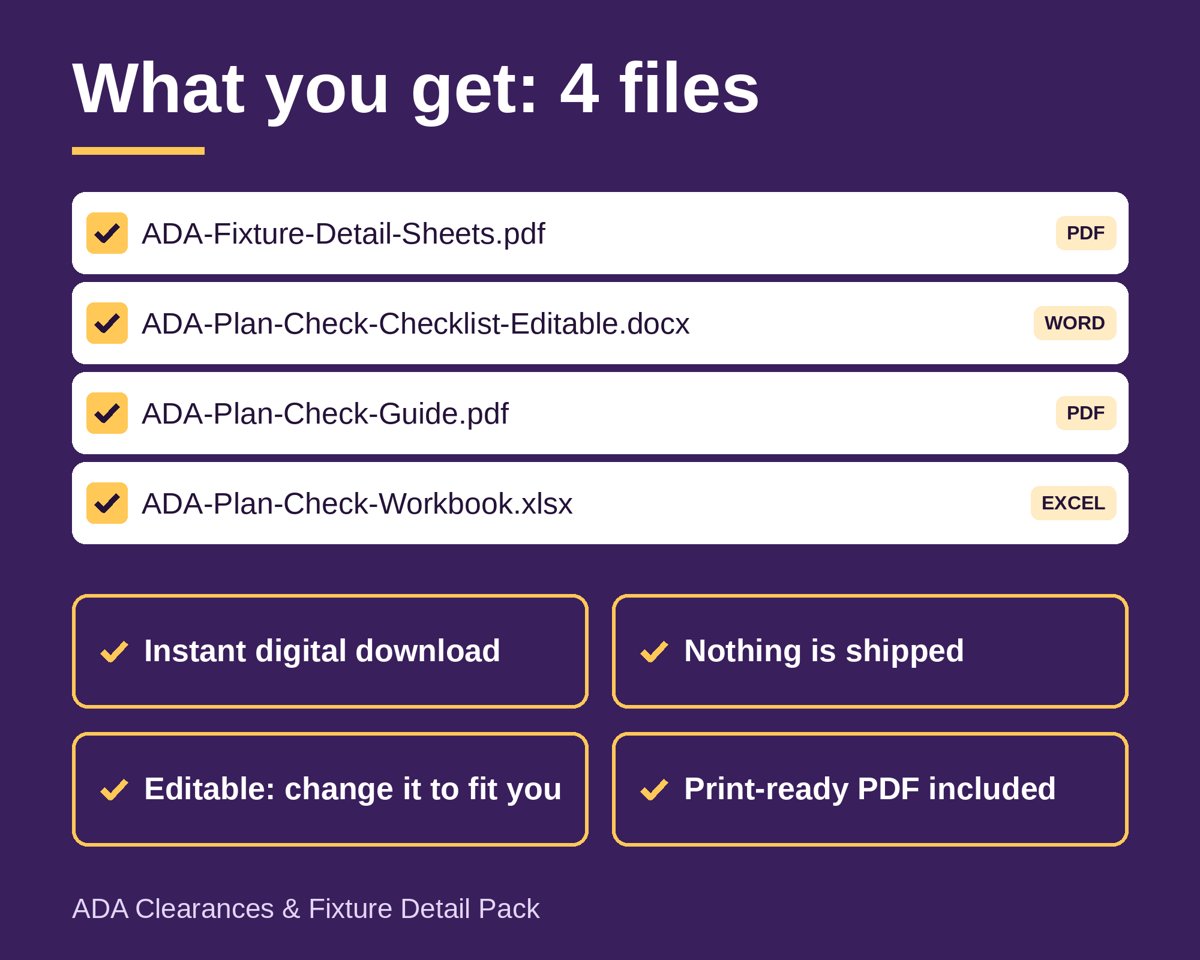
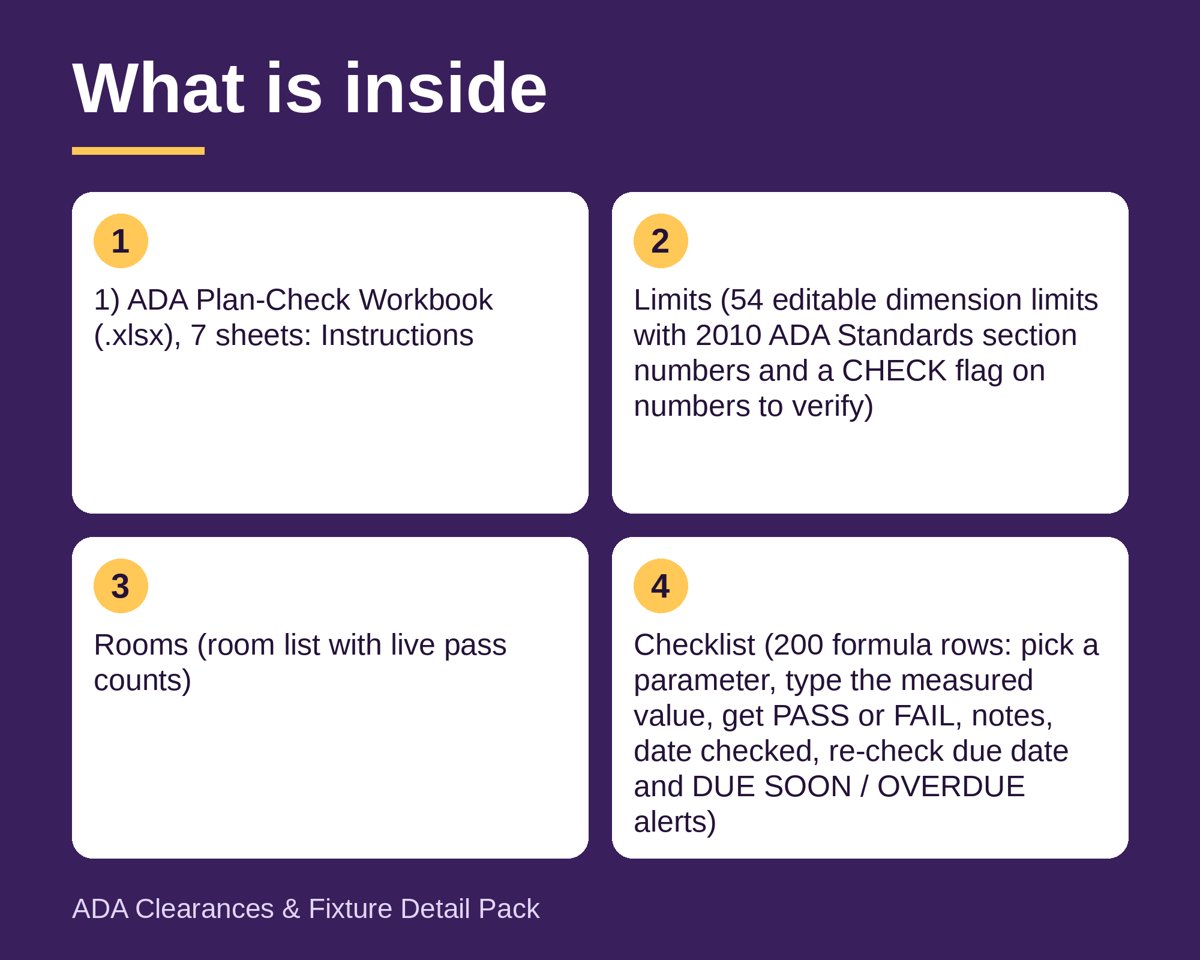
1) ADA Plan-Check Workbook (.xlsx), 7 sheets: Instructions; Limits (54 editable dimension limits with 2010 ADA Standards section numbers and a CHECK flag on numbers to verify); Rooms (room list with live pass counts); Checklist (200 formula rows: pick a parameter, type the measured value, get PASS or FAIL, notes, date checked, re-check due date and DUE SOON / OVERDUE alerts); Issues (corrective-action log with status dropdown and days open); Summary (pass rate, overdue counts); Quick Ref.
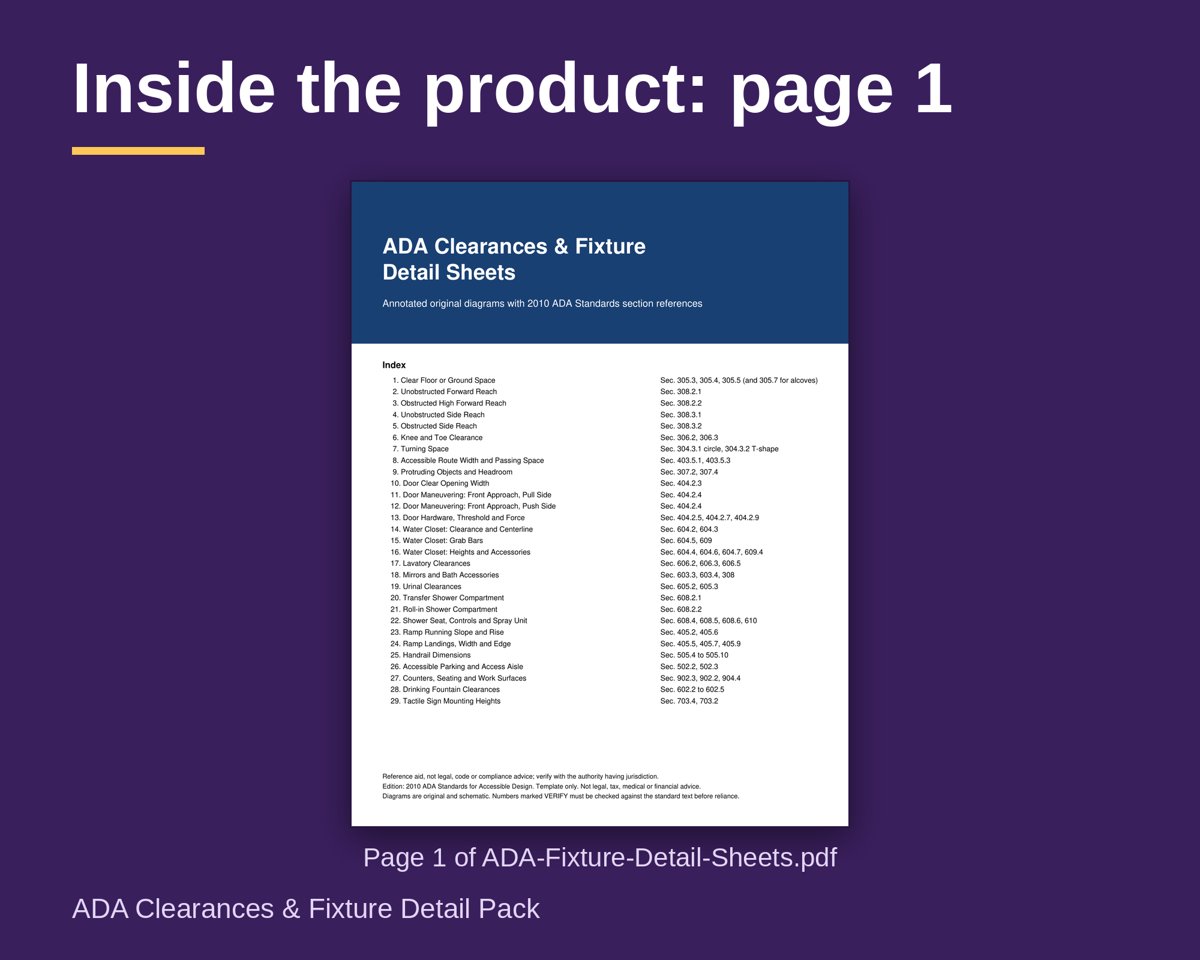
2) Fixture Detail Sheets (PDF, 31 pages): cover index, one-page quick reference of key dimensions, and 29 original annotated diagrams: clear floor space, forward and side reach, knee and toe clearance, turning space, routes, protruding objects, doors, water closets, grab bars, lavatories, mirrors, urinals, showers, ramps, handrails, parking, counters, drinking fountains and tactile sign heights.
3) ADA Plan-Check Guide (PDF, 4 pages): purpose, field-by-field notes, blank printable plan-check and corrective-action forms.
4) Editable Checklist (.docx): the full limits table as a Word form with blank rows.
FILE TYPES
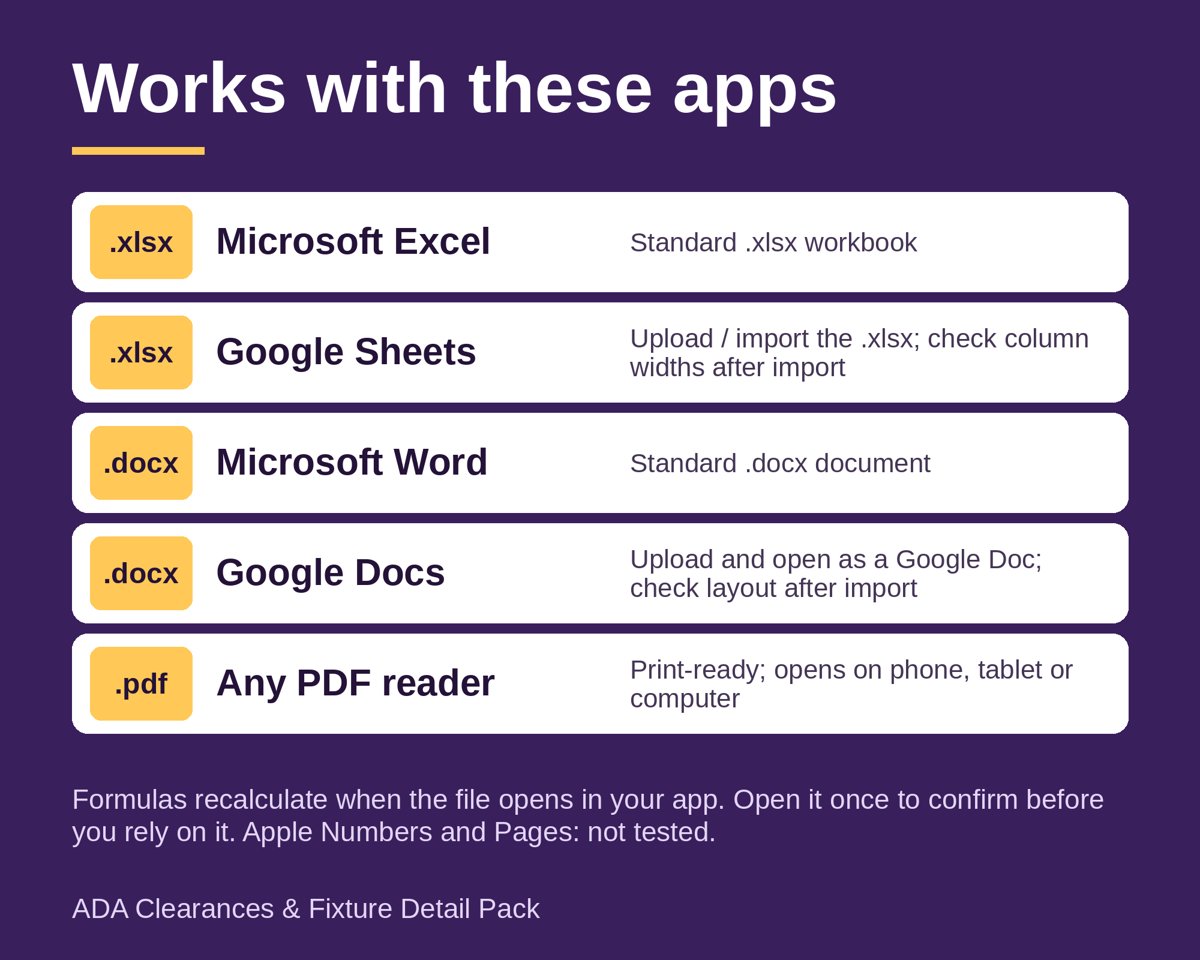
Excel .xlsx (opens in Excel, LibreOffice and Google Sheets, no macros), PDF, and Word .docx.
HOW TO USE
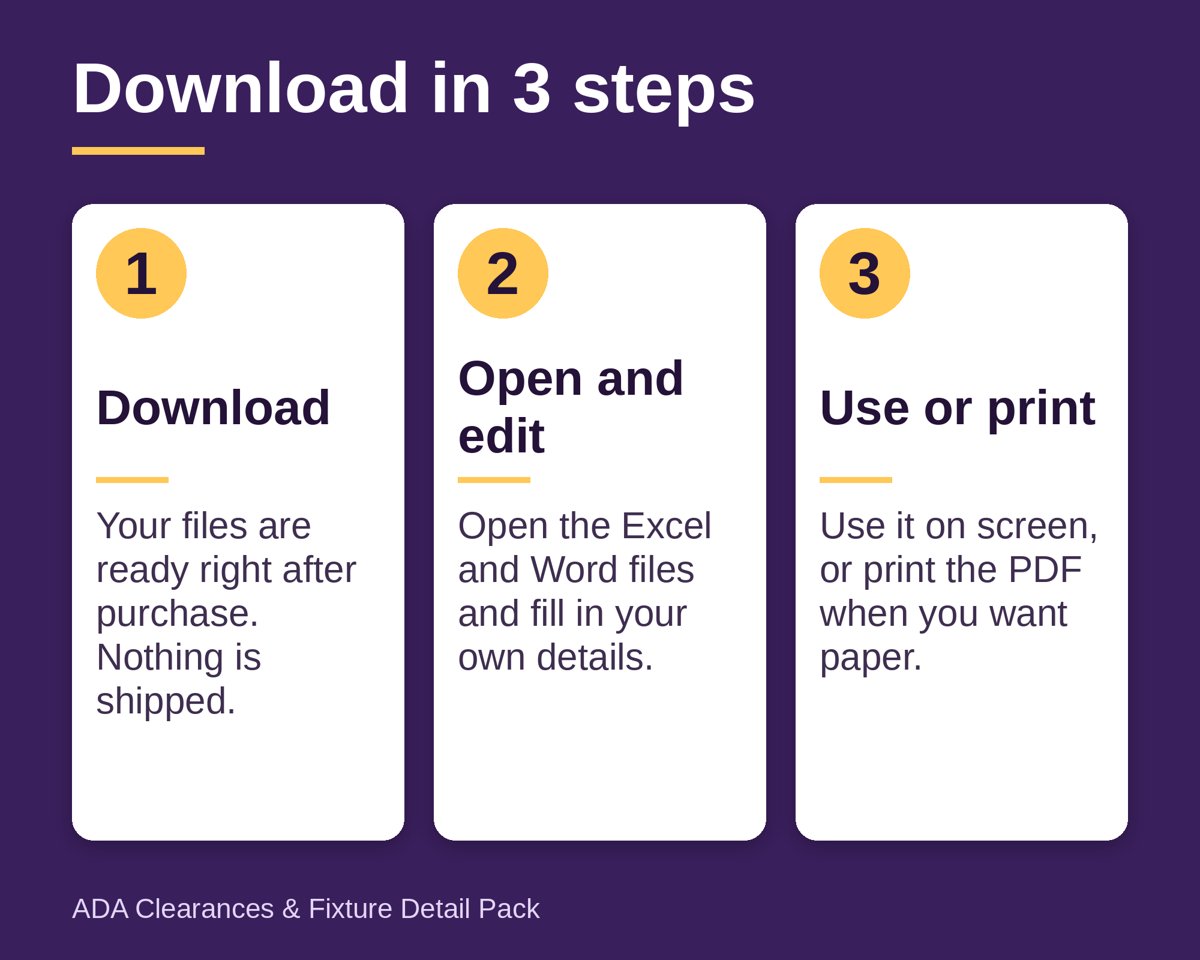
1. Open the Limits sheet and confirm each min and max against the edition and local rules for your project.
2. List your rooms on the Rooms sheet.
3. On the Checklist sheet choose the room and parameter from the dropdowns and enter the measured or drawn value.
4. Read the PASS / FAIL status, add notes and a re-check date; alerts show what is due or overdue.
5. Track fixes on Issues, review Summary, and print the detail sheets or the Word form for site walks.
WHO IT IS FOR
Architects, interior designers, plan reviewers, accessibility consultants and BIM modelers who want fixture dimensions and a checklist beside their Revit or CAD work.
WHY IT IS DIFFERENT
Editable limits rather than hard-coded numbers, working alerts, original drawings, and honest VERIFY flags on every figure that needs checking against the standard text. Example rows are fictional.
Based on the 2010 ADA Standards for Accessible Design (section numbers only, no standard text). Reference aid, not legal, code or compliance advice; verify with the authority having jurisdiction.
This is an instant digital download; nothing is shipped. Template only, not legal, tax, medical or financial advice. Designed by a seller and created with AI assistance, checked with automated tests.
Questions
What file types do I get?
Four files: an Excel workbook (.xlsx), a 31-page PDF of fixture detail sheets, a 4-page PDF plan-check guide and an editable Word checklist (.docx). The workbook opens in Excel, LibreOffice and Google Sheets.
Can I edit the limits and formulas?
Yes. The Limits sheet has 54 editable dimension limits with 2010 ADA Standards section numbers, and a CHECK flag marks numbers to verify. The Checklist sheet uses formulas to return PASS or FAIL from the value you enter.
Does this replace an architect, accessibility consultant or code review?
No. It is a reference aid and not legal, code or compliance advice, so verify your results with the authority having jurisdiction.
How do I start?
Open the Limits sheet and confirm each min and max against your edition and local rules. Then list your rooms, pick a room and parameter on the Checklist sheet, and enter the measured value to see PASS or FAIL.